RIFTSTORM Codes Hub
Lobby and invite codes for online co-op sessions—this section is about party join codes, not promotional redeem codes.
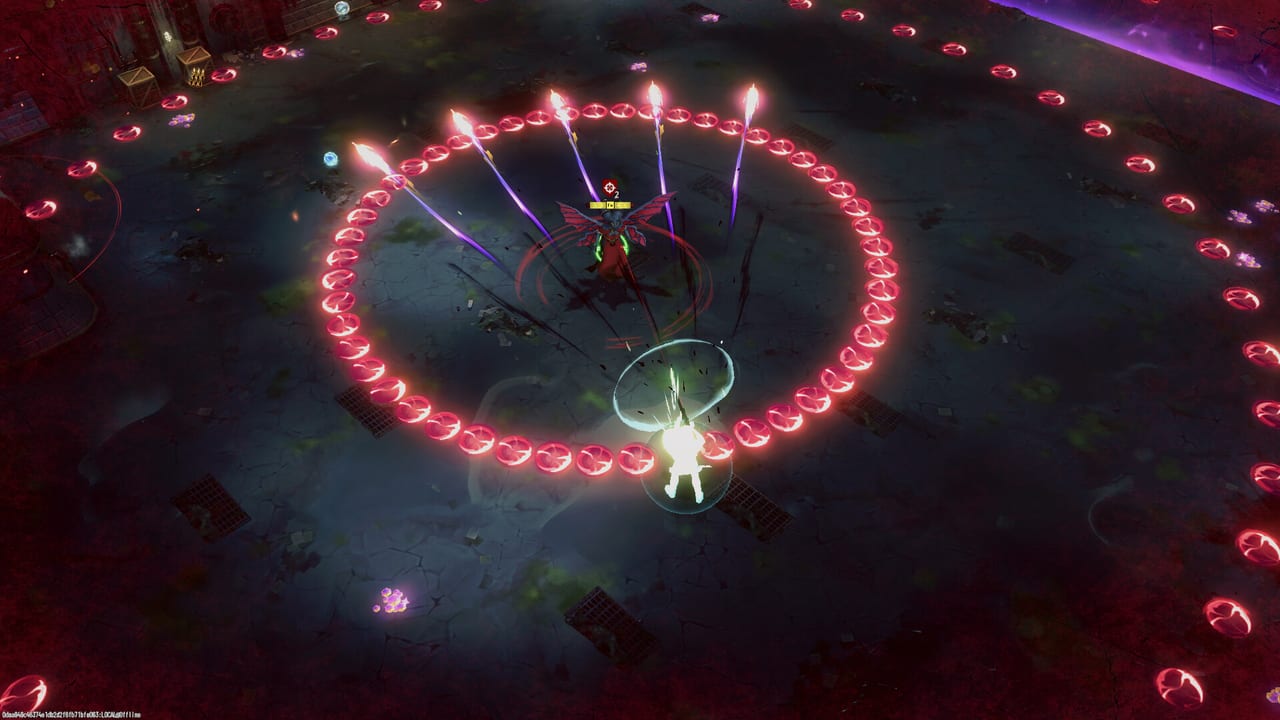
Search results often mix up two different meanings of “codes” in co-op games. This hub is not a promo code list. RIFTSTORM does not use the kind of redeemable marketing strings common in mobile or MMO titles for free currency. Instead, when players ask for RIFTSTORM “codes,” they usually mean Steam Lobby invite codes—short-lived keys a host generates so up to two friends can join a three-player online session before a PADDOCK Contingency mission starts.
RIFTSTORM is an always-online co-op PvE looter-shooter ARPG from Confiction Labs and Agate, published by Confiction Labs and Gamersky Games, with Steam Early Access planned for August 11, 2026. Squads cap at three Weavers. Understanding lobby codes before launch night saves frustration when your group is ready to deploy but Steam overlay invites fail.
Lobby codes vs promo codes
| Topic | Lobby / invite codes | Promo redeem codes |
|---|---|---|
| Purpose | Join a host’s co-op session | Redeem marketing rewards |
| RIFTSTORM | Supported for party join | Not applicable in disclosed materials |
| Where documented | This Codes hub | N/A |
If you landed here hunting free loot strings, you will not find them—and official channels have not announced a promo code system for Early Access. Bookmark this hub for party setup instead.
When you need an invite code
Use lobby codes when:
- Steam friends list invites do not pop for cross-region friends.
- A streamer or community lead hosts a community night and posts a code in Discord.
- Overlay is disabled on a player’s PC and they need manual join input.
- You are rehearsing co-op in the Steam demo (app 3212570) before the planned Early Access date.
For platform-level co-op etiquette and squad roles, read How to Co-op in RIFTSTORM. For click-by-click create and join steps, see the child page Lobby and Invite Codes.
Host workflow summary
- Launch RIFTSTORM and open the co-op or social menu.
- Create a lobby with appropriate privacy—friends-only for statics, public only if you want random third slots.
- Generate or display the invite code in UI.
- Share the code through Discord, voice, or SMS—never assume chat will stay open after you queue.
- When two partners join, confirm loadouts and Threat Level before mission select.
- Close the lobby when done; codes expire when the session ends.
Hosts rotate nightly in healthy groups so one machine is not the permanent single point of failure.
Join workflow summary
- Accept that you need a valid code from a live host—codes are not permanent passwords.
- Open RIFTSTORM join UI and enter the code exactly—case sensitivity depends on final UI; copy-paste when possible.
- Wait for lobby acceptance; prepare your Weaver and backup weapon per How to Extract risk rules.
- If join fails, verify game ownership, lobby not full, and that Early Access or demo access matches the host.
Security and etiquette
Public codes can admit strangers into your extract run. Random third players may not honor extract timers or Lythogram votes. Share codes in trusted spaces. Do not post open codes on social media unless you want wipe-risk pugs.
Codes are not account credentials. Never give password or Steam Guard information to someone offering “free lobby access.”
Relationship to guides and progression
Party codes get you into a mission; they do not boost loot. Mission rewards still depend on Threat Level, Rift Exposure Zones, and successful extraction. New players should still read Getting Started so joined lobbies turn into productive farms instead of repeated failures.
Pre-launch preparation
Before August 11, 2026:
- Confirm all static members can launch the demo or will own Early Access on launch.
- Test one demo lobby with codes if available—document who hosts best geographically.
- Agree a Discord channel for code drops on game night.
What this hub will not cover
Future marketing promotions, if ever announced, would belong in official news—not here unless Confiction Labs adds a verified redeem system. This hub updates around multiplayer join codes and troubleshooting only.
Start with Lobby and Invite Codes for the detailed walkthrough, then keep How to Co-op open for squad strategy once everyone is in the lobby.
Frequently Asked Questions
Quick answers to the most common RIFTSTORM questions.
Are there promo codes for free RIFTSTORM loot?
This hub covers lobby and invite codes for co-op join—not promotional redeem codes. Official materials have not announced a promo code system for Early Access.
How many players can join with one lobby code?
Up to three players total per session—host plus two joiners. RIFTSTORM co-op is always online; see How to Co-op.
Do lobby codes expire?
Yes. Codes typically expire when the host closes the lobby or leaves. Generate a fresh code each session via Lobby and Invite Codes.
Can I use lobby codes in the Steam demo?
Demo co-op (app 3212570) supports party play for practice. All players need compatible demo or Early Access access matching the host.
Where do I go if codes fail but I still want guides?
Browse the Guides Hub for extraction, Threat Levels, Lythograms, and mission prep unrelated to party join troubleshooting.